Migration
Migrating from Gulp to Astro
Notes from moving the legacy frontend workflow to Astro.
Cette page existe aussi en français.
Lire en françaisMigrating a legacy WordPress theme to a modern Astro architecture while preserving editorial workflows, SEO and long-term maintainability.

Migrate a legacy Gulp frontend tightly coupled to WordPress to Astro while keeping production alive, enable unpublished content preview on a static frontend, and reduce reliance on WordPress plugins for forms and performance.
Rebuild the frontend with Astro and TypeScript, reconnect WordPress through WPGraphQL, and implement separate Production (static) and Preview (SSR) Vercel deployments for editor previews.
Faster frontend performance, fewer WordPress plugin dependencies, a cleaner architecture, an improved deployment workflow, and production availability even if the back office is unavailable.
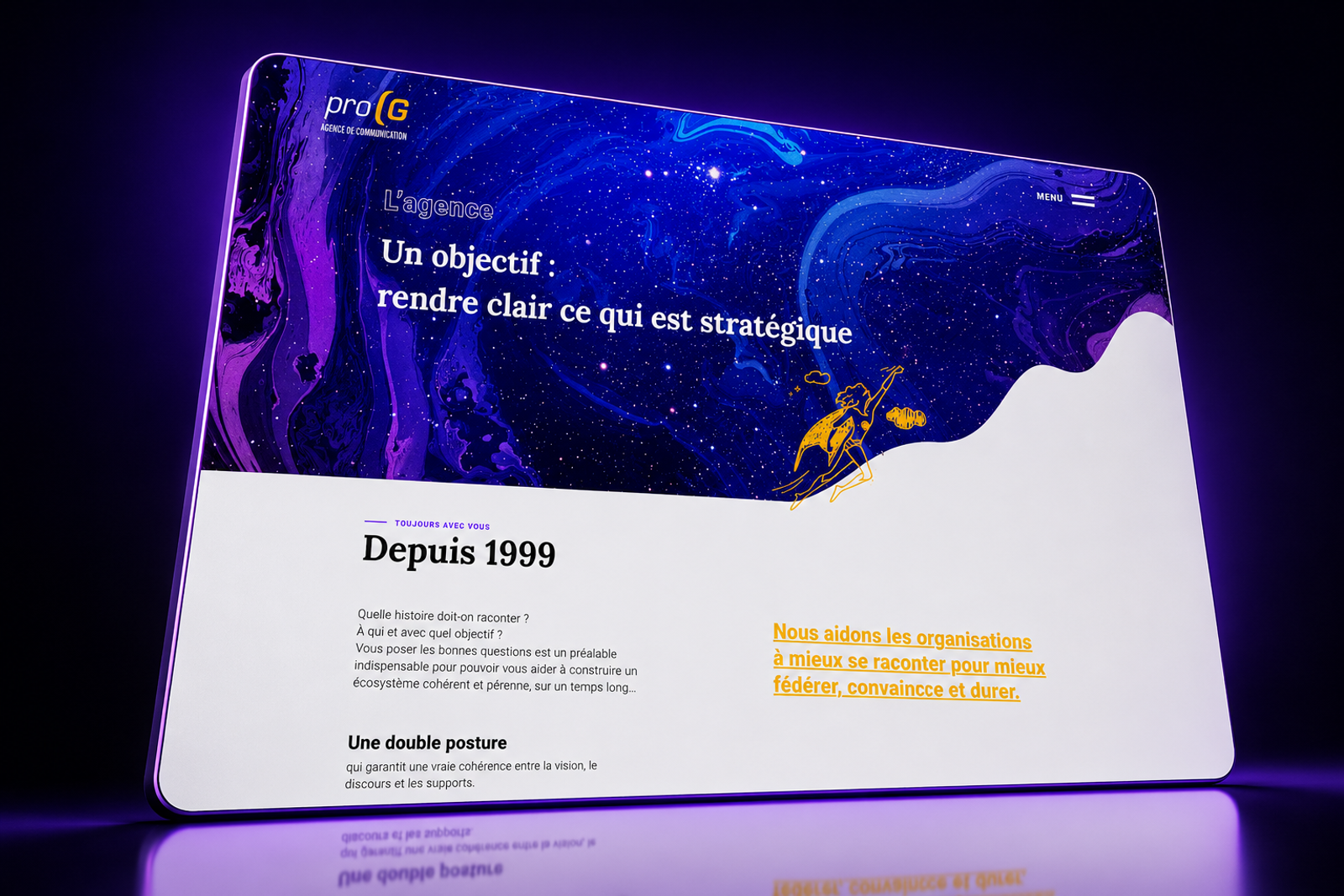
The project started as an opportunity to explore a modern frontend framework while keeping an existing production website alive.
Rather than redesigning the website, the objective was to rebuild its technical foundation and create a frontend that would be easier to evolve over time.
The previous frontend relied on a legacy Gulp workflow tightly coupled to WordPress.
Over time, technical debt increased and maintaining the frontend became more difficult.
Performance often depended on additional WordPress plugins, while I wanted to reduce that dependency and move towards a cleaner, more maintainable architecture.
Rather than choosing Next.js or Nuxt, I selected Astro because its philosophy aligned with my own approach to frontend development.
Shipping as little JavaScript as possible by default, excellent static generation and an architecture focused on performance made it the right choice for this project.
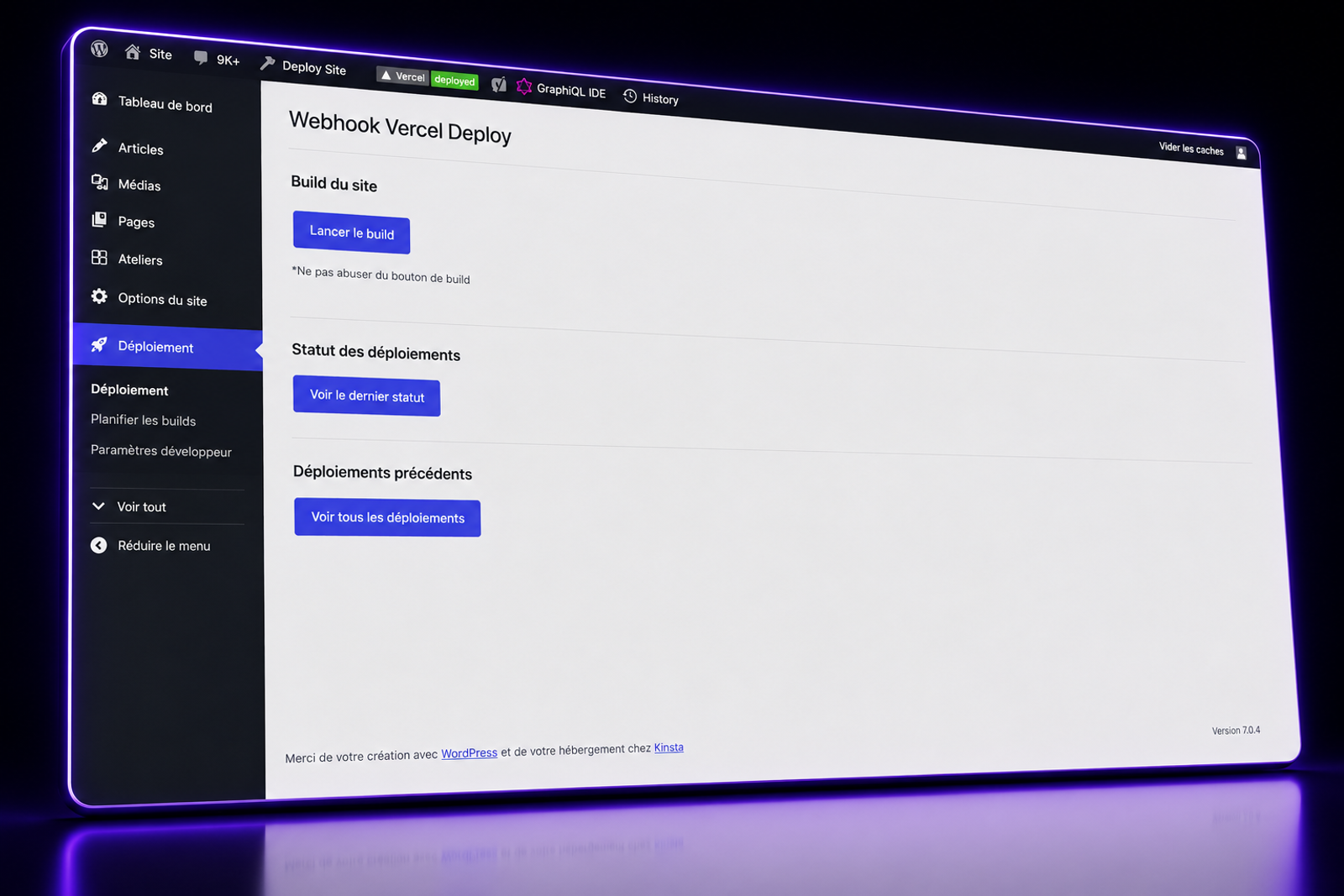
Because Astro generates static pages, the traditional WordPress preview could not be used.
I designed a dedicated preview workflow based on two deployments:
Using separate Vercel deployments and environment variables allowed editors to preview unpublished content while keeping production fully static.
Reuse the existing styles while reconnecting the frontend to WordPress using WPGraphQL.
Implement separate Production and Preview environments running on Vercel with dedicated rendering strategies.
Migration
Notes from moving the legacy frontend workflow to Astro.
Preview
Notes on the separate static Production and SSR Preview deployments.
Content layer
Notes on reconnecting the frontend to WordPress through WPGraphQL.
Architecture
Notes on moving frontend responsibilities from plugins to API-based services.